
Smart compression
Format-aware engines for JPEG, PNG, WEBP, GIF, SVG, and AVIF.
Compress, convert, resize, and crop locally in your browser.
Open source batch image compression tool, supports JPG/JPEG/PNG/WEBP/GIF/SVG/AVIF/HEIC/HEIF format
Compress, convert, resize, and crop images in batches. Everything runs locally in your browser, so your files never reach a server.
More than a smaller file. PicSmaller covers the practical image workflow before publishing or delivery.
Format-aware engines for JPEG, PNG, WEBP, GIF, SVG, and AVIF.
Add files, folders, drops, or pasted images and process them together.
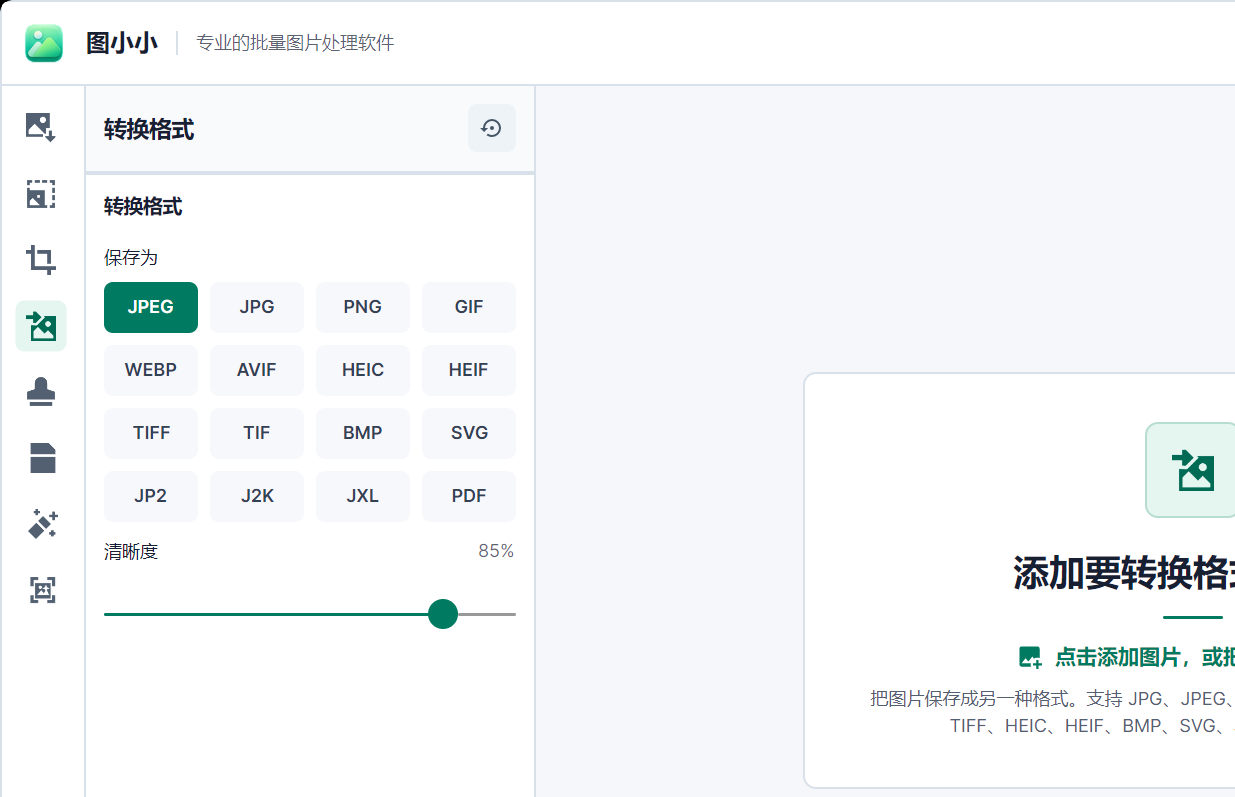
Convert between JPG, PNG, WEBP, and AVIF with transparent fill control.
Use width, height, long edge, ratios, exact dimensions, or paper presets.
Drag the divider to inspect detail and balance file size against quality.
Images process concurrently in the background while the interface stays responsive.
The web version handles everyday quick tasks. The desktop app is built for professionals: broader format support, larger files, faster processing, and AI-powered features like background removal, watermark cleanup, and upscaling — all impossible in a browser.
Choose files or folders, or simply drop and paste.
Choose quality, format, dimensions, and crop behavior.
Inspect savings, then download files or one ZIP.
Web Workers and WebAssembly process images in parallel on your device. There is no upload queue and no server-side copy. Close the page and the working data is gone.
Free to use, no batch limits, no account required.